Product / Hardware / Firmware / Platform
A cube for learning braille by feel, by typing and by ear.
Feel a letter in the reading window, type its dots on the six keys, and hear it spoken.
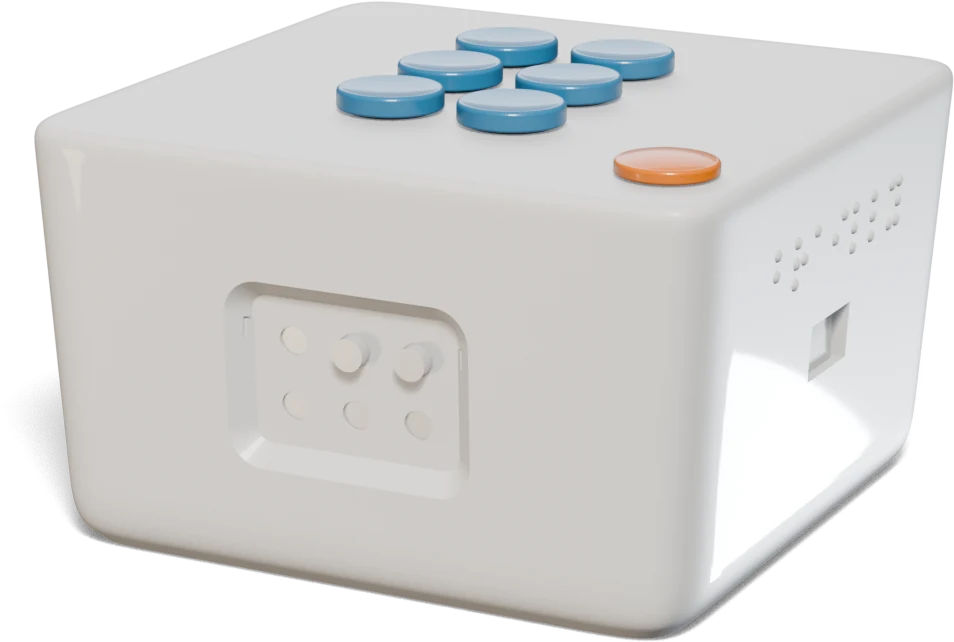
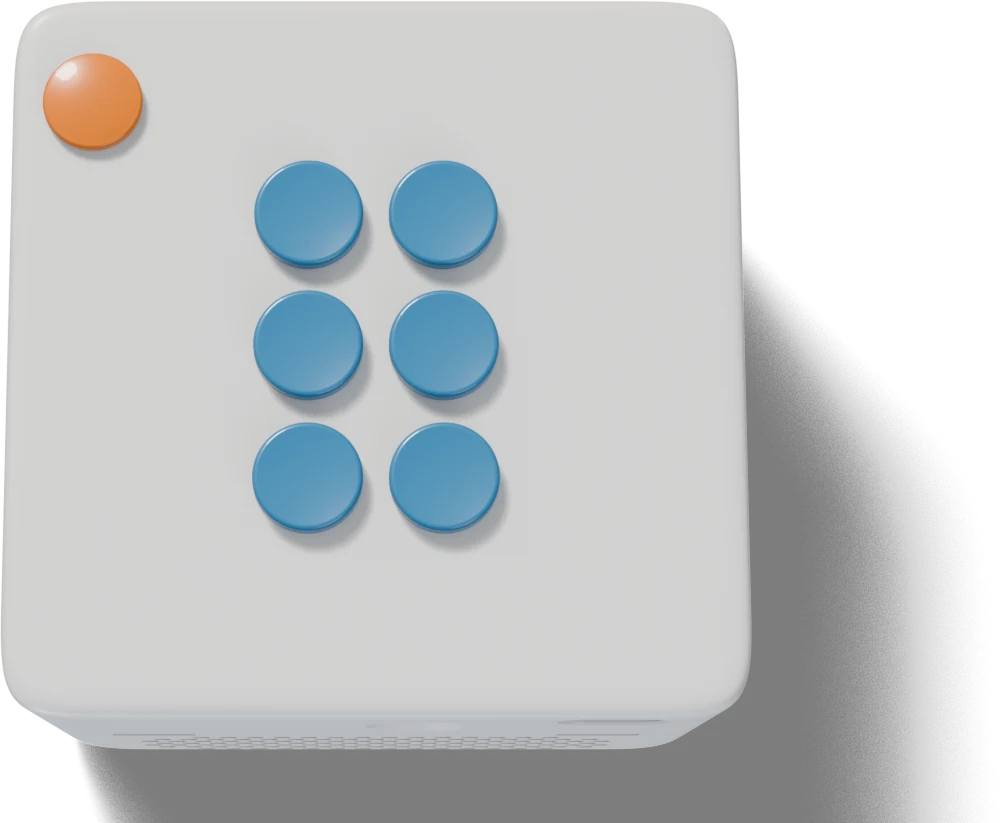
Keyboard: f d s and j k l are dots 1–3 and 4–6. Press them together, as on a braille typewriter, and let go to set the letter. Space is the orange key: it repeats the letter. Left and right arrows turn.
No dots raised.
Developed with the visually impaired community in Helsinki, tested with visually impaired adults in France, and shown at Maker Faire Rome and Web Summit.
My workCo-founder: product, hardware, firmware and backend.
When2023 – 2025 as a team, and the Rev A and Rev B boards in 2026 · brailly.eu ↗
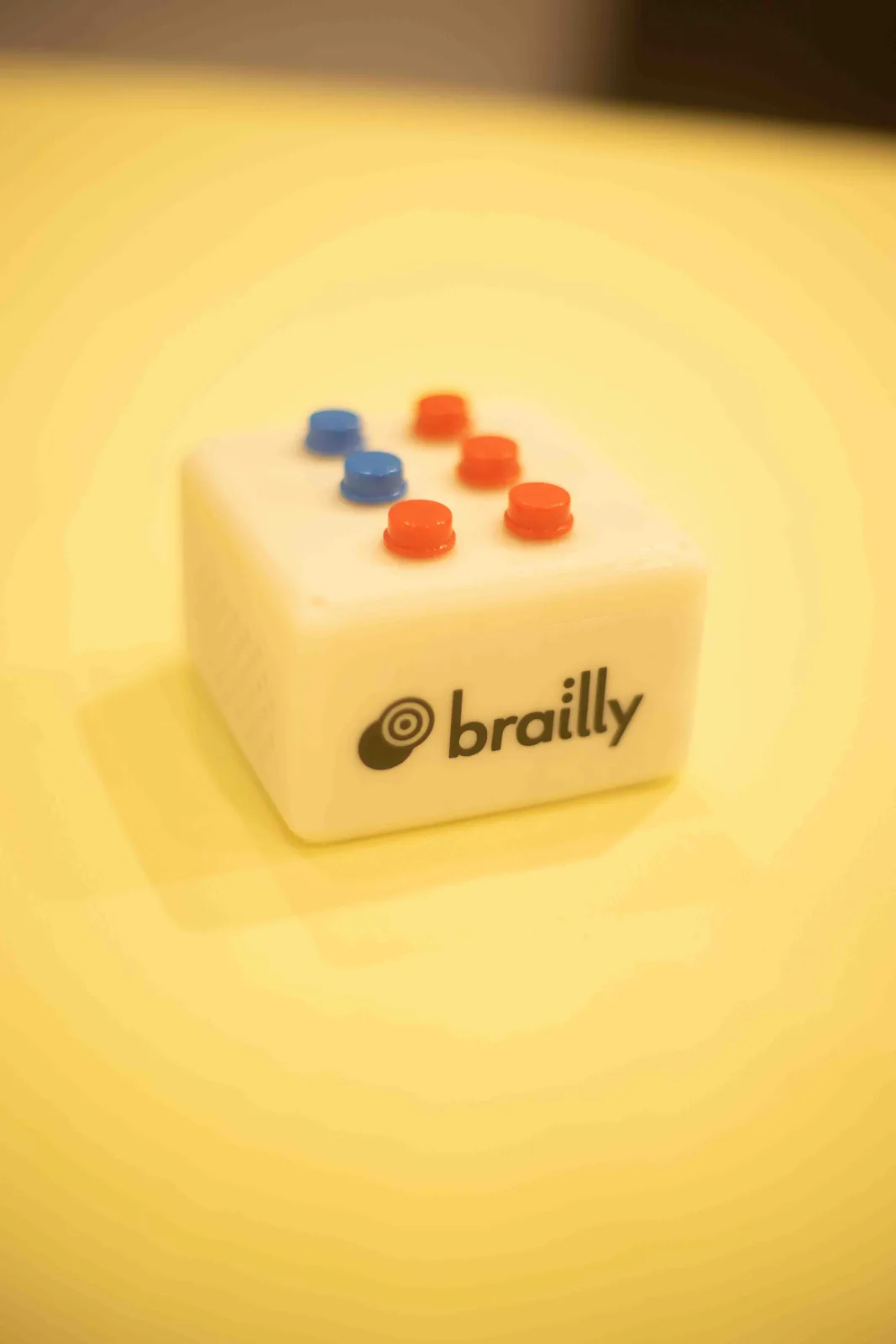
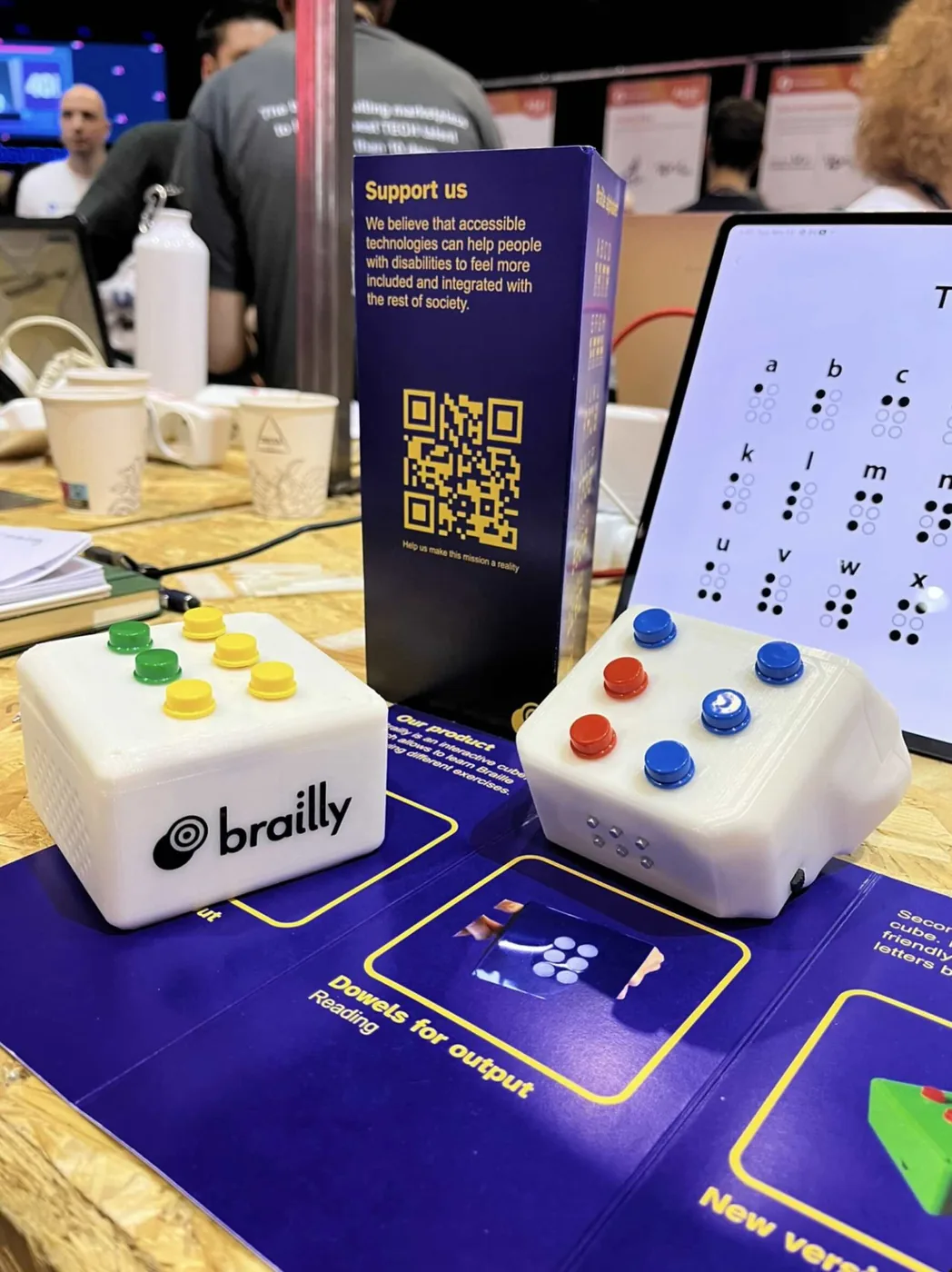
Brailly started as a team project in the EIT Digital master’s in Paris. We wanted a braille tutor that children actually want to pick up.
A learner feels a raised letter, enters its dots on six keys and hears spoken guidance, without needing a screen. The six keys are laid out like the six dots of a braille cell, so reading and writing use the same pattern.
Research / First prototype
Four adults tried the first prototype.
In the student project, four visually impaired adults in France tried our student prototype, at their homes and at a rehabilitation centre. We found them through the Valentin Haüy association and by word of mouth.
Its size and orientation made it awkward to hold, the dots dropped too quickly for some readers, and the spoken instructions were unclear. It left three questions for the whole device: how someone finds the reading face, keeps their place and knows when to answer.
- Finding the right grip
- Reading and typing used different grips. The enclosure needs tactile orientation and a comfortable way to move between them.
- Enough time to read
- Some participants needed the dots to stay up longer. The timing has to follow the reader.
- Understanding the next action
- Unclear audio and language limited use. Guidance needs to explain the task in a language the learner understands.
We then took Brailly through the Aalto Digital Creatives pre-incubator and the SIBB incubator in Berlin, and worked with the visually impaired community in Helsinki. After my master’s I rebuilt it on an ESP32-S3 with a cloud backend: exercises from single letters to words and school work, spoken guidance, and a web app for the adults around the learner.
Decision / Board
Rev A passed the board checks and was not fit to build.
The first custom board was autorouted, then patched until the design-rule check passed.
A review of the copper found the main power rail 0.15 mm wide: rated for 0.6 A against a 1.3 A load. No chip had a decoupling capacitor within 2 mm; the ESP32-S3’s nearest was 8.6 mm away. Widening the tracks did not work, because the power section had no room, so Rev B is a new layout, routed by hand.
I worked by subsystem: cell actuation, control, audio, power, connectivity and the platform, each with its own test.
- Board
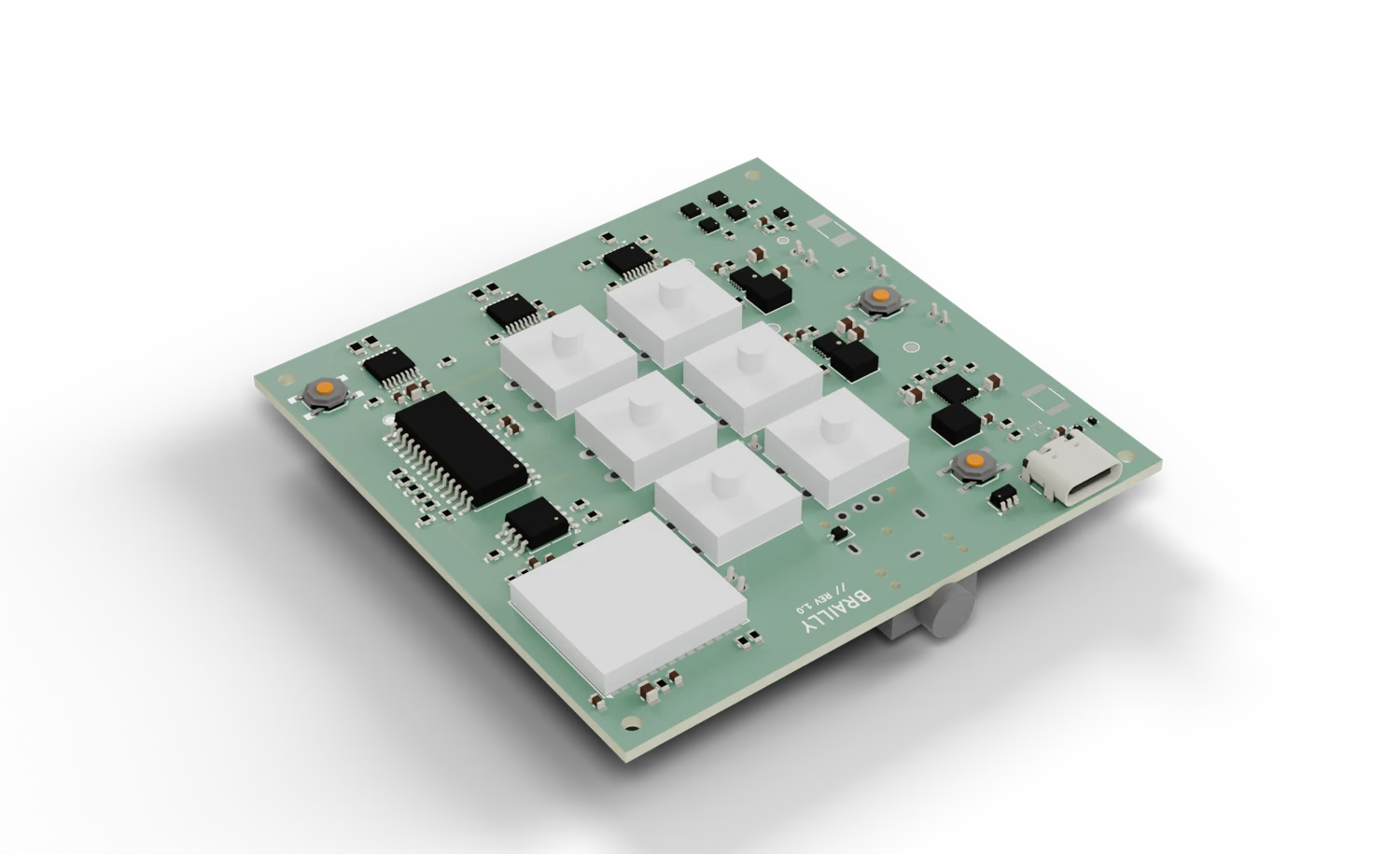
- Rev B, 78 × 78 mm, four layers
- Dots
- Six solenoids. Unpowered, a dot stands up; current pulls it down. Three DRV8833 chips drive them.
- Device
- ESP32-S3 · six actuated dots · six keys and an action key · speaker and headphone jack · USB-C
- Platform
- Next.js · PostgreSQL · device pairing, progress, audio delivery
Bring-up / Second Rev B board
The dots needed five times the current the board allowed.
On the second Rev B board, the dots did not move.
Each coil measured 4.5 Ω, and the driver’s sense resistors limited it to 121 mA: a value remembered from the first prototype and never measured on these coils. On the bench, one tested coil partly pulled in at 0.58 A and cleanly at 0.71 A, and once down it stayed down at about 0.1 A.
The resistors are bridged on the bench board for now. The next revision changes them from 1.65 Ω to about 0.22 Ω and sizes the motor supply for six held dots.
Sources: Brailly’s Rev B work status, bring-up log, firmware and controls notes, the archived Rev A power-integrity review, and the early student paper; none is public. Every picture of the Rev B design is a render. The two photographs show earlier prototypes.